
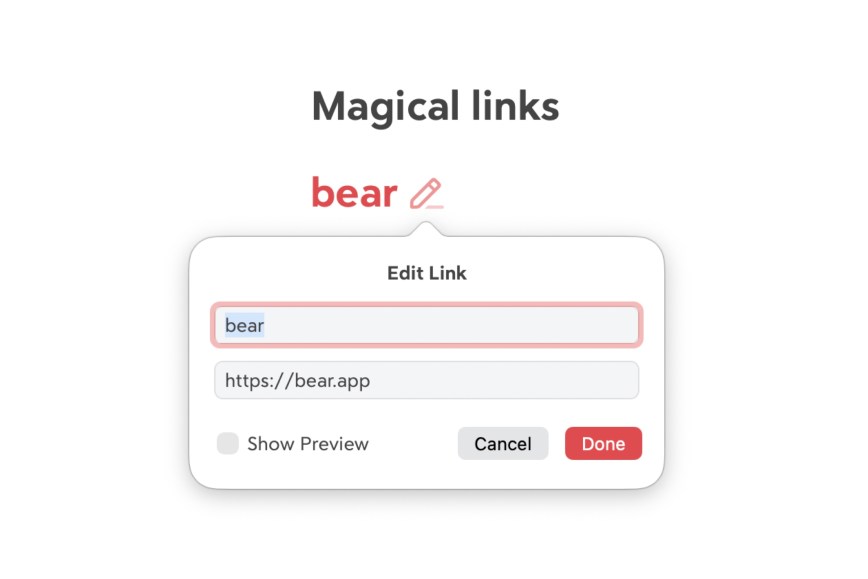
Links can be tiny powerhouses. We save them in our notes for all kinds of reasons —research references, news, recipes, game guide, you name it. And at Shiny Frog, we try to make even the smallest things feel effortless in Bear. That’s why we’ve built more link-friendly magic into Bear than simple copy and paste.
Here are a few things about links in Bear that you might not know. 👀
Auto-filled titles for cleaner notes
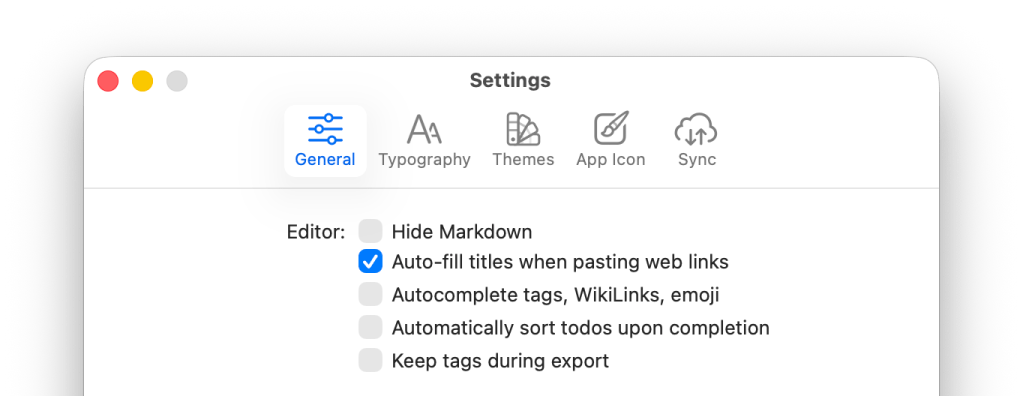
On Bear for Mac, you can turn a raw URL like https://bear.app into a tidy titled link like: Bear. It is cleaner, easier to scan, and blend more naturally with the text. Prefer to keep things as plain URLs? No problem! You can toggle this feature off in Settings → General → Auto-fill titles when pasting web links.
Use the ⌘K shortcut to edit links faster
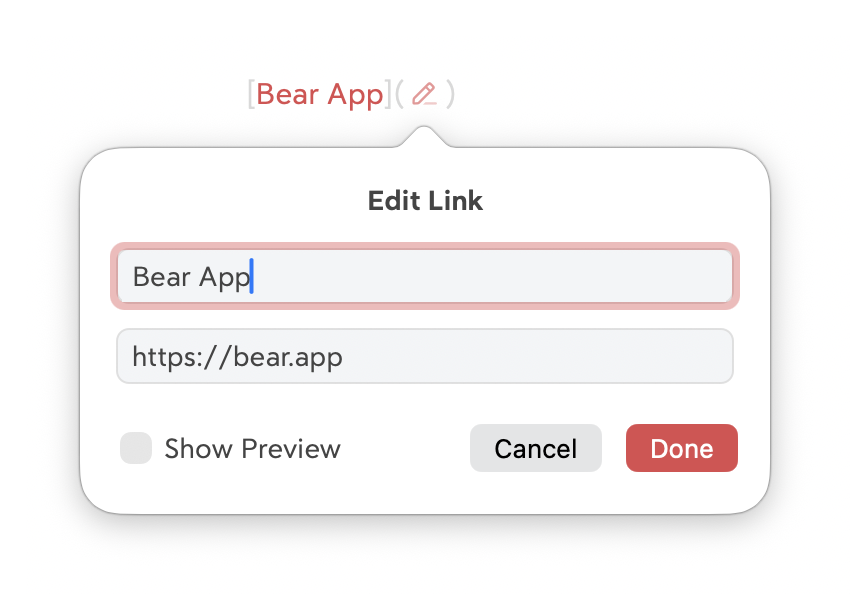
When you want to add or edit a link on macOS, you don’t need to dig through menus. Simply press ⌘K to open the Edit Link panel to customize URL, add title, and toggle the link preview option.
Smart clipboard detection
If you already have a URL in your clipboard and press ⌘K on macOS, Bear automatically drops that link into the Edit Link panel for you. Saves you extra pasting steps to get things done quicker.
💡Bonus Tip: If you already have some text that you’d like to add a link to it in the note, simply select the text in the note and paste the URL on it, Bear will automatically turn the selected text into a titled link.
Easy ways to make changes to titled links
Adding links in Bear is easy, and editing them is just as effortless. If you ever need to revert a titled link or strip a link away entirely, simply open the Edit Link panel:
- Delete the title → the link becomes a standard URL
- Delete the URL → the linked text becomes normal text again
Simple, direct, no fuss.
Wake up, Link!
We hope these tips help you keep your notes cleaner, tidier, and faster to work with. Bear may look simple on the surface, but there’s a lot of power hidden under the fur. There are plenty more secrets waiting for you to discover.
Reach out to us on our Community Forum, Reddit, X (Twitter), Bluesky, or directly at bear@shinyfrog.net to tell us what you think! Stay tuned for more Bear tips!
Happy writing!
🐻❤️🔗