

From day one, our mission has been to give you a comfortable, private place to write beautiful notes. But life doesn’t always happen in front of your own Mac, iPhone, or iPad. So we’ve been working hard to bring Bear to more people and more places.
Today, we’re happy to announce that Bear is now on the web!
What is Bear Web?
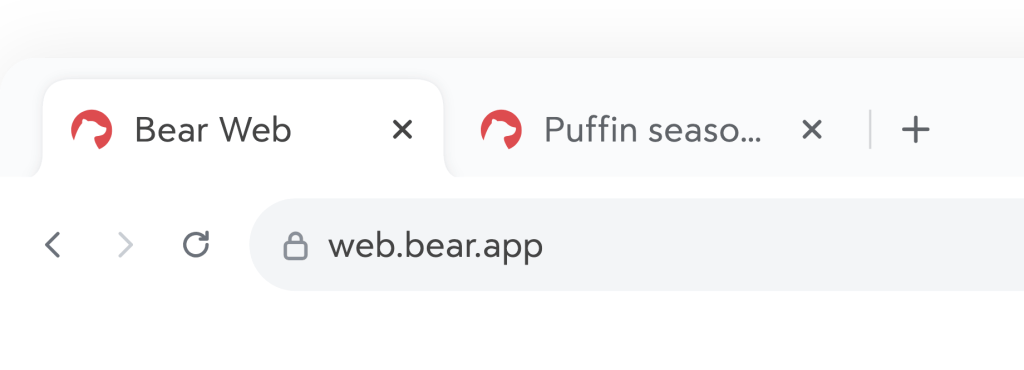
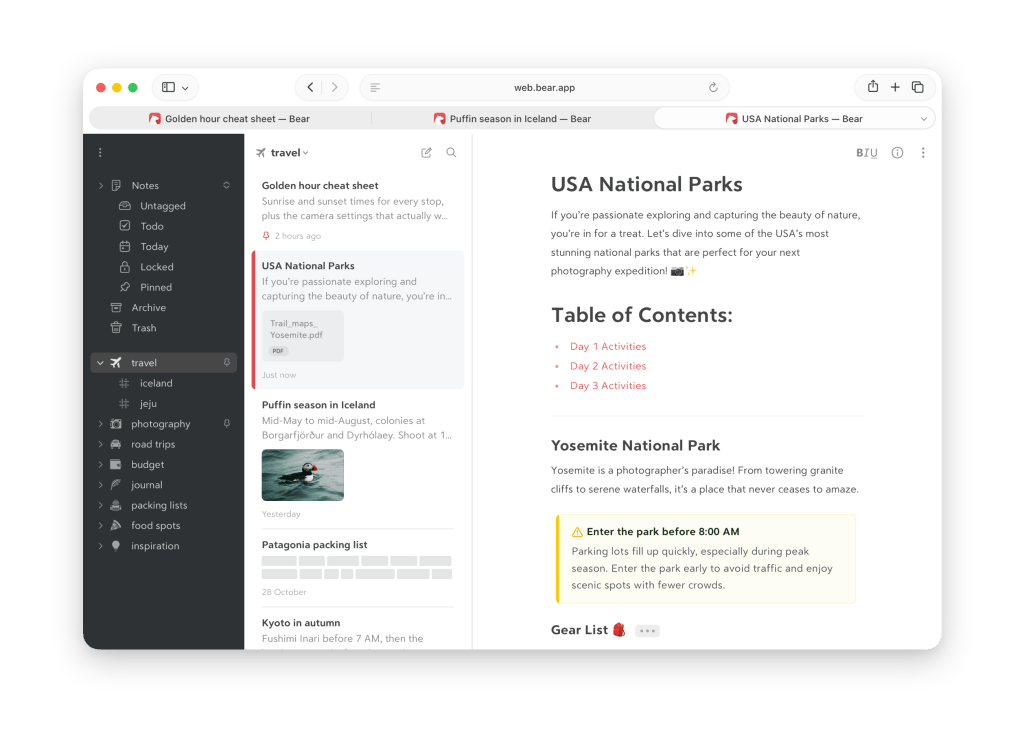
Bear Web lets you view, edit, and search your Bear notes from a web browser on any computer. It works with the same notes you already have and looks just like Bear for Mac, so you’ll feel at home from the first click.
- Reach your notes anywhere. Use Bear on a Windows or Linux computer, a work Mac with iCloud restrictions, or any laptop while traveling.
- Pick up where you left off. Continue a draft, jot down an idea, or search for the note you need. Changes save to iCloud as you type.
- Keep writing through a shaky connection. On a computer you trust, Bear Web keeps an encrypted copy of your notes in the browser. If your internet drops, your changes stay safe and sync automatically once you’re back online.
- Private as always. Your notes travel directly between your browser and your private iCloud account. We never store them and can’t read them. Learn more about Bear Web privacy and security.
How to get started
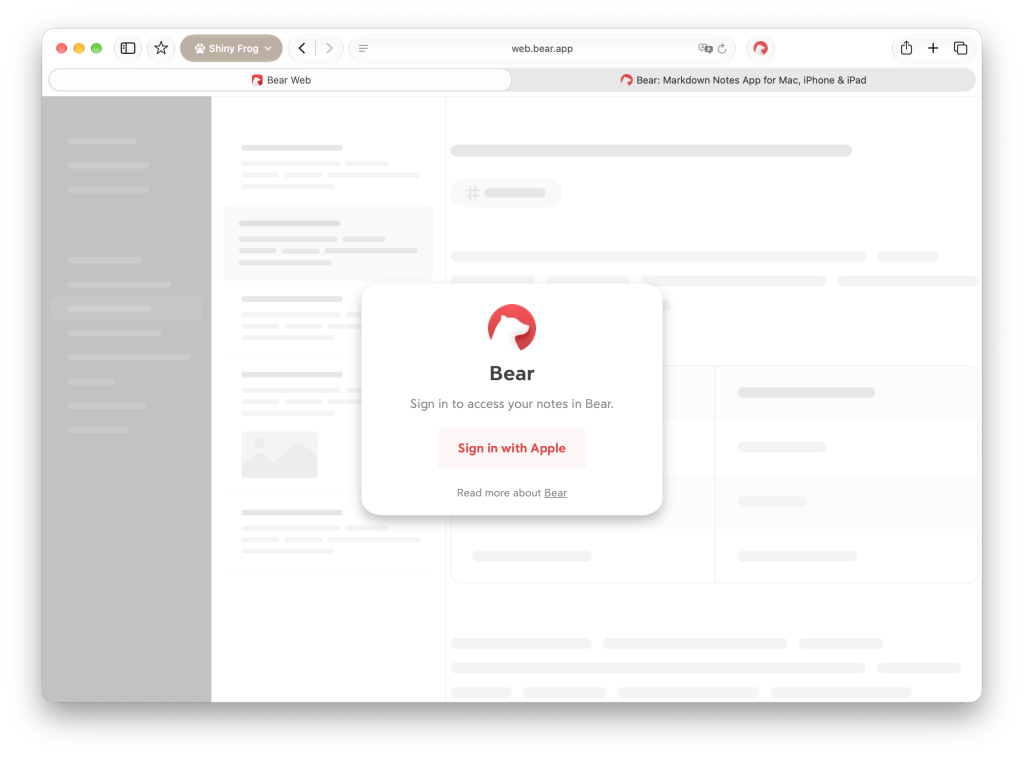
Bear Web is included with Bear Pro1. Once you’re subscribed:
- Make sure Bear is syncing your notes with iCloud on your Mac, iPhone, or iPad
- Open web.bear.app and click “Sign in with Apple”
- Sign in with the same Apple Account you use for iCloud on your devices. If the sign-in window doesn’t appear, allow pop ups for web.bear.app in your browser settings
- That’s it! Your notes start syncing and you’re ready to write
Good to know
- Bear Web is included with Bear Pro subscriptions that start on or after November 24, 2026. If you subscribed before then, you can upgrade from the Bear Pro panel in the app.
- Bear Web is a companion to our native apps, not a replacement. A few features, like export and encrypted notes, aren’t available on the web yet, and it doesn’t work with Apple Advanced Data Protection. See Bear Web requirements and limitations here.
- Bear Web works in mobile browsers too. We’re still polishing it for smaller screens, so expect a few improvements along the way.
- Using your own computer? Trust the device to stay signed in and keep your changes safe if you go offline.
Have more questions? Find all the answers in our Bear Web FAQ.
Give it a spin
This is a big new step for Bear, and we can’t wait for you to try it. For feedback or bug reports, please contact us here. You can also share your thoughts on our Community Forum, Reddit, X (Twitter), Bluesky, or directly at bear@shinyfrog.net.
Happy writing!
🐻❤️🕸️
- Bear Web is a new addition to Bear Pro starting November 24, 2026. ↩︎
