Check out some Big Little Features in Bear

Because Bear has such a wonderfully diverse group of users, we often add little features and perks to help with your note crafting process. Here are just a few.

Bear: Flexible notes, beautiful writing on Mac, iPad, iPhone, and Apple Watch
Because Bear has such a wonderfully diverse group of users, we often add little features and perks to help with your note crafting process. Here are just a few.
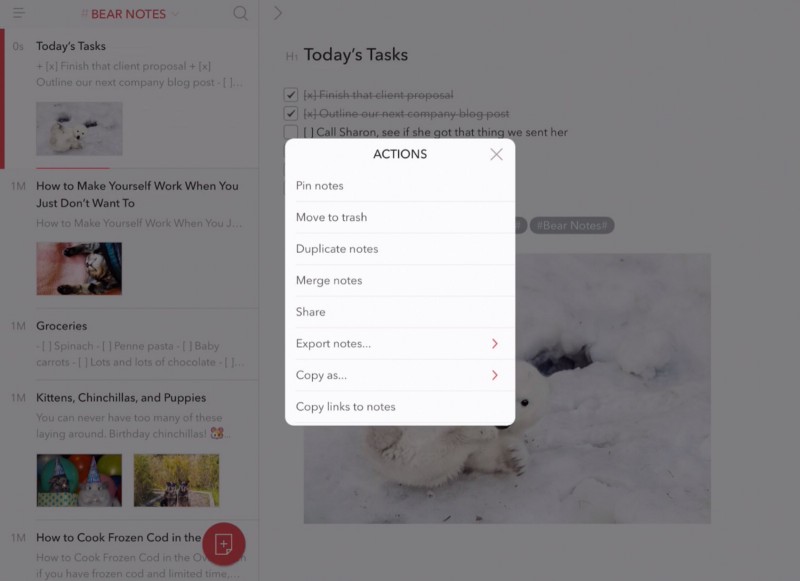
Let’s say you want to pin multiple notes at once in Bear for iPad and iPhone, or duplicate, merge, share, export, copy, or trash them. Good news: you can!
If your notes cannot be constrained to #tags of mere individual words, Bear also supports multi-word tags. Here’s how to use them.
Getting things done in Bear by mousing or tapping around is fun and all. But you know what really scratches a bear’s back? Keyboard shortcuts. And we have two paw-fuls of ’em for you.
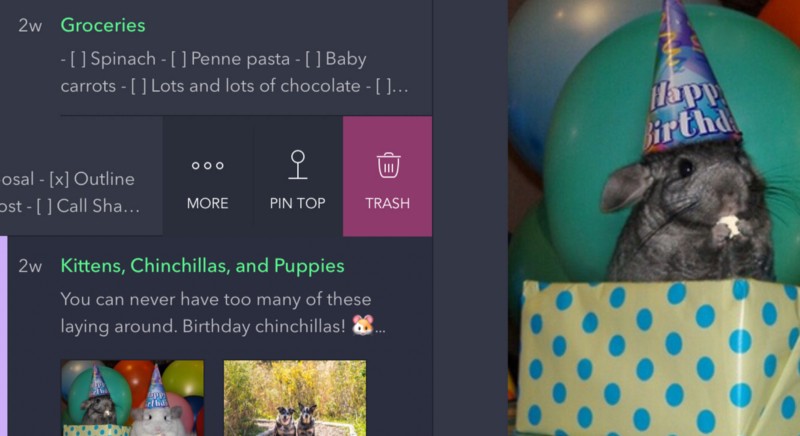
You can pin your notes to the top of the Note List to have quick access to your most important stuff.
We call Bear “a beautiful app for crafting notes and prose.” But did you know that includes code, too? For starters, you can use Bear to write for the web and use Markdown to add styling like links, bold, italic, and lists, which is easier than writing straight HTML. You can preview your notes as […]
Bear for iOS offers some unique export options above and beyond the standard iOS share sheet. Here’s how to use them.