

Good news everyone! Now you can draw diagrams and charts right inside your notes with Mermaid support, completely free for everyone. Just like Mathjax support, Bear renders your diagrams live, showing the finished result right inside the note as you type.
What you can do with Mermaid
Mermaid is a simple way to describe diagrams using plain text. It is widely used in both technical and academic world. It works well for developers documenting specs and system flows, for product managers and business analysts mapping out processes, and for students and researchers demonstrating statistical results.
It’s also quite useful in daily life: Map out a decision with a flowchart, lay out a house renovation timeline with a Gantt chart, or break down a budget with a pie chart, all within Bear. Because the diagram is really just text, it lives right inside your note: searchable, easy to update, and never a flat image you have to redraw from scratch the moment something changes.
How it works in Bear
Type three backticks, label it mermaid, and write your diagram inside. Bear renders it live below. The diagram code will be hidden when you move the caret outside the code block.
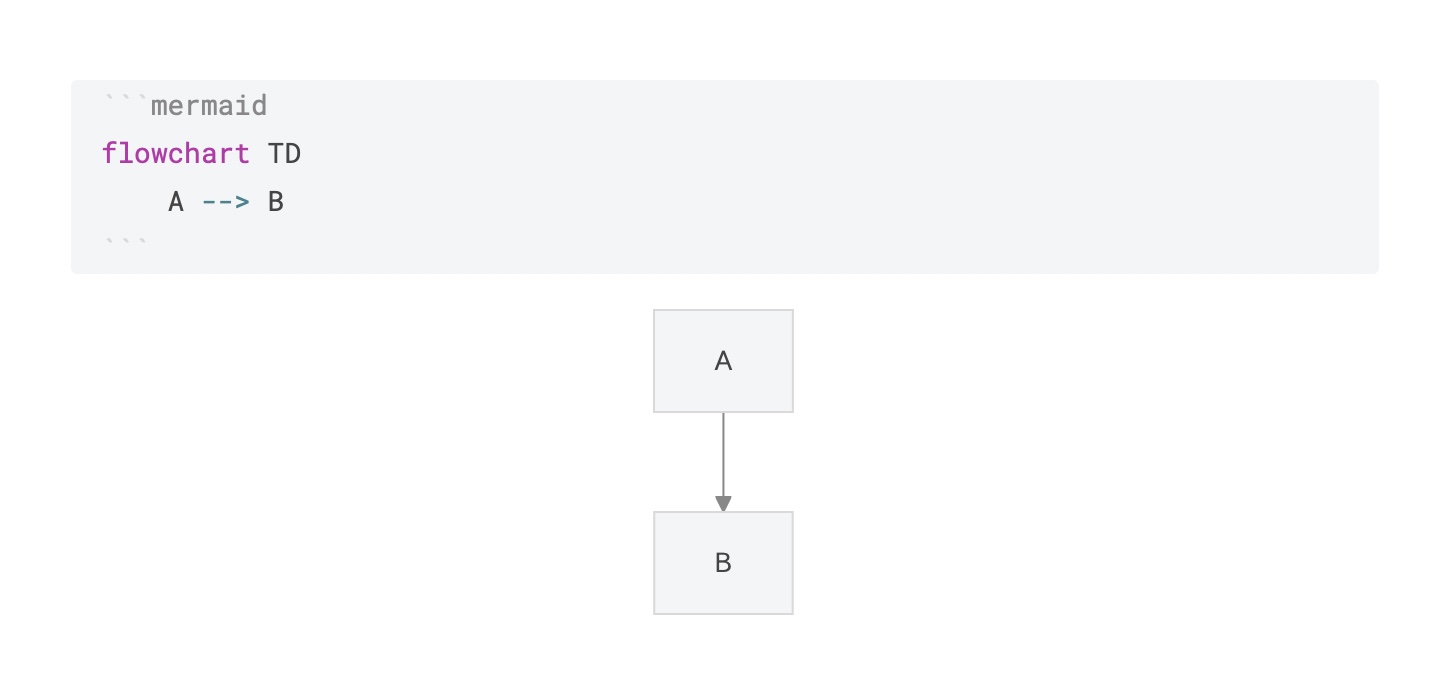
That’s really the whole mechanic: declare a diagram type, then describe the connections. Here are a few common diagram types to try:
See this flowchart example in your Bear → Create a flowchart in Bear
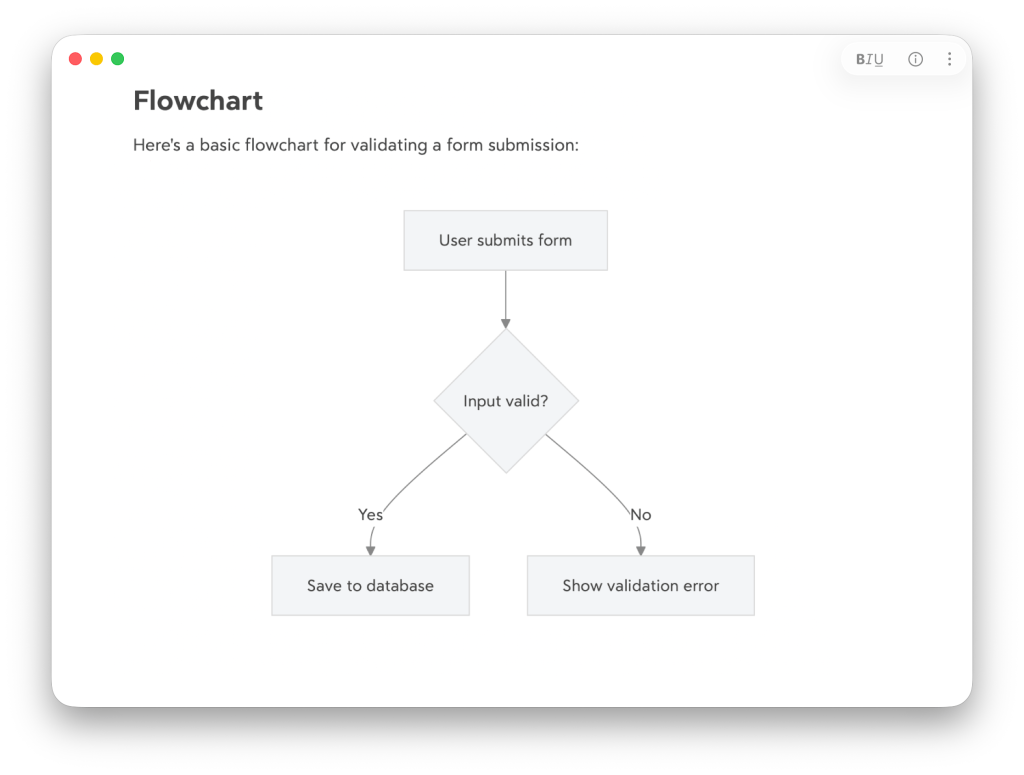
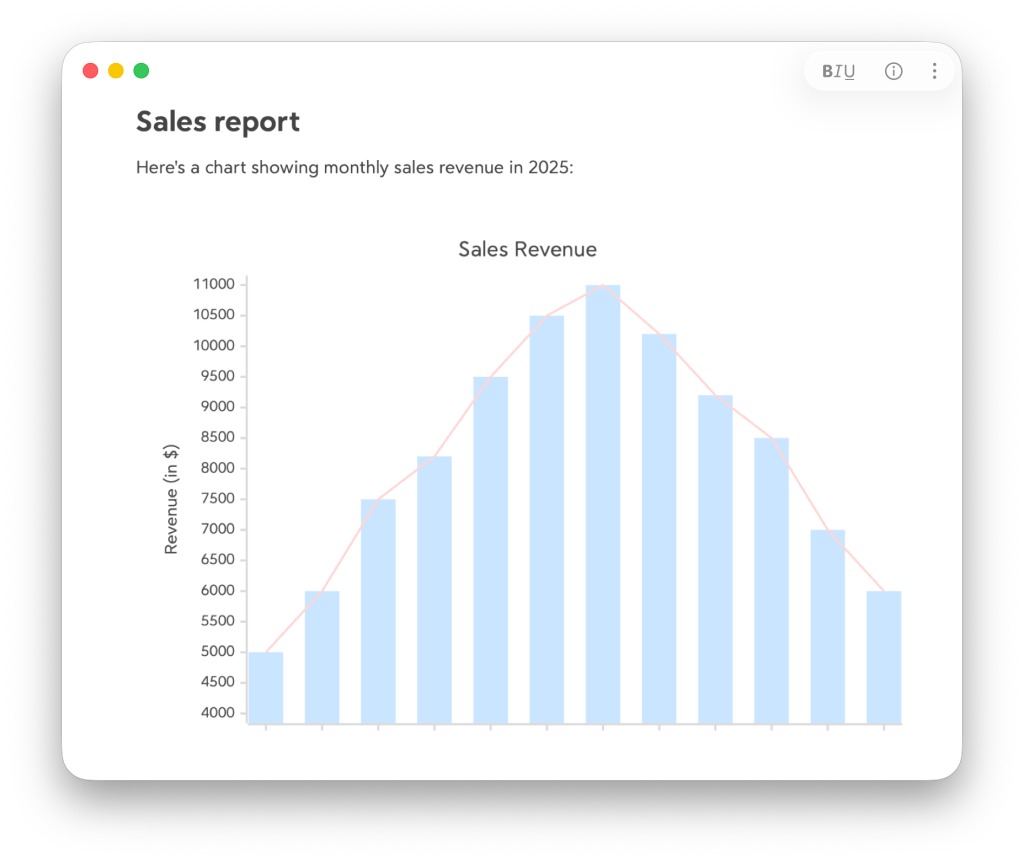
See this XY chart example in your Bear → Create a XY chart in Bear
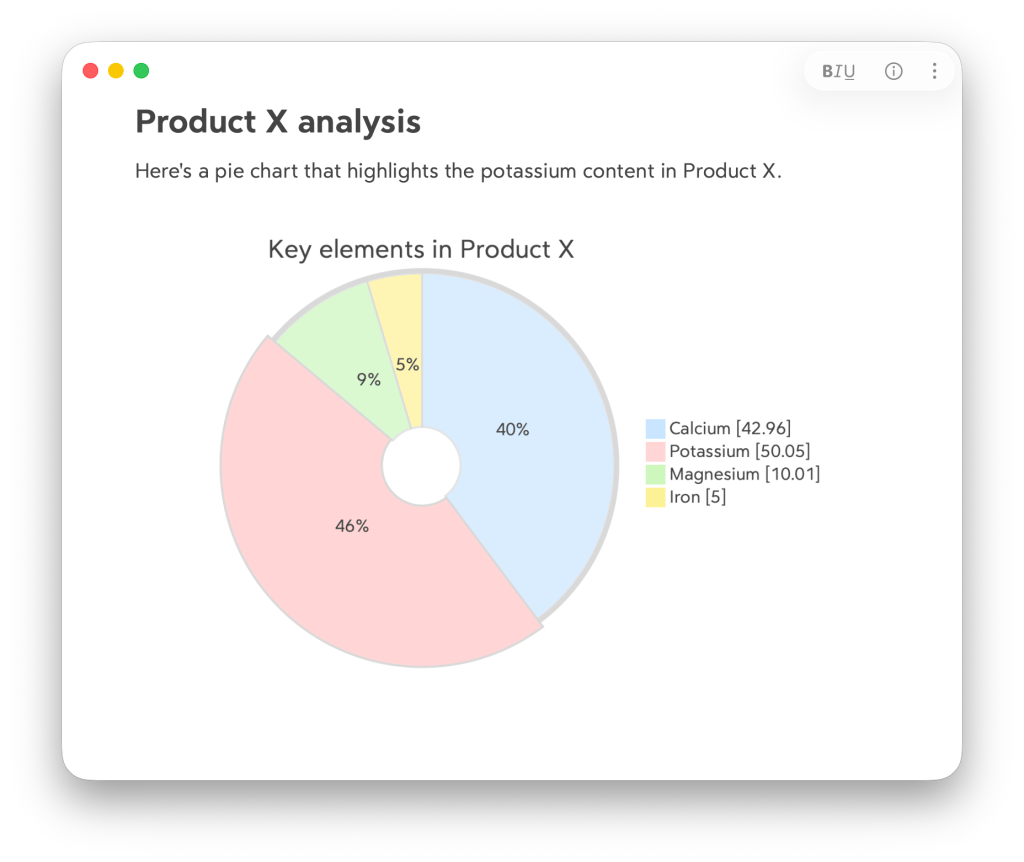
See this pie chart example in your Bear → Create a pie chart in Bear
For the full list of diagram types Mermaid supports, check out Mermaid’s documentation.
Try it yourself
Update now and draw your first diagram in Bear! Let us know what you build with it on our Community Forum, Reddit, X (Twitter), Bluesky, or directly at bear@shinyfrog.net.
Happy writing!
🐻❤️📊